
Lot history you can return to
Look back at the work recorded against a wine, from fruit receiving through cellar activity. Find the details behind a lot without piecing them together from separate notes.
Keep track of what’s in your cellar, what happened to it, and what it costs. Good Job turns the notes you make along the way into useful production records.
30 days free. No credit card required.
Built at Municipal Winemakers in Santa Barbara. Designed for wineries under 10,000 cases.
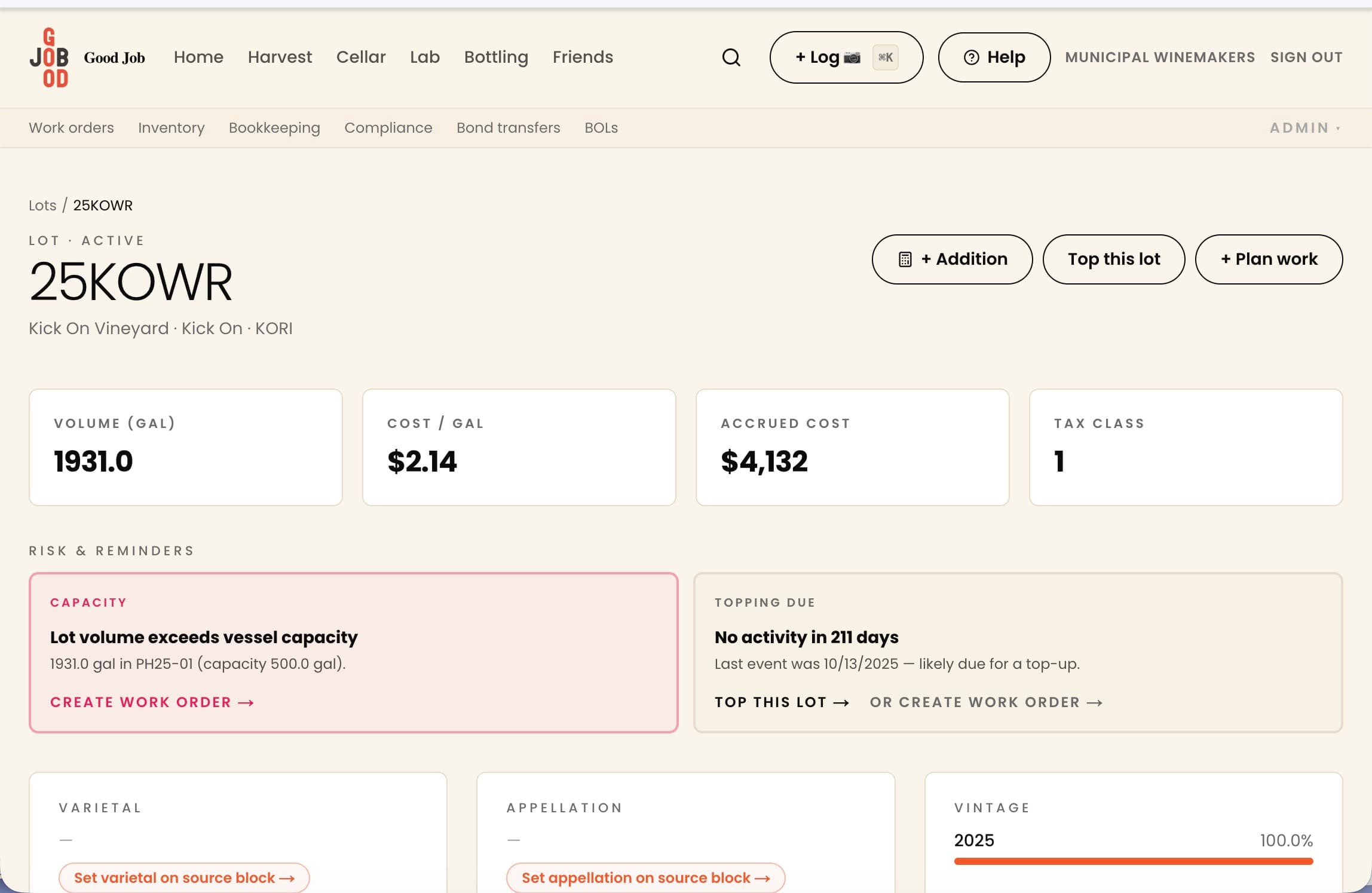
A lab reading. A fruit delivery. Wine going to barrel. Record the work while the details are fresh, then check what Good Job understood before you save it.
Try one of these sample notes, or write your own.
Illustrative notes using sample lots. Your winery’s records are not changed.
This is the first step: turning a note into a record you can check. In your winery account, confirm the details before saving.
Type a note or photograph a weigh tag. Start with the information you have in front of you.
Review the lot, date, quantities and activity Good Job has picked up. Correct anything that needs attention before you confirm it.
Keep the activity in the lot’s history, where you can refer back to it as the wine moves through the cellar.
Look back at the work recorded against a wine, from fruit receiving through cellar activity. Find the details behind a lot without piecing them together from separate notes.
Keep fruit costs and production activity in the same system. Use the records to understand lot costs and prepare for a conversation with your bookkeeper.
Work from organized production records and draft reports. Review the figures against your underlying records before anything is filed.
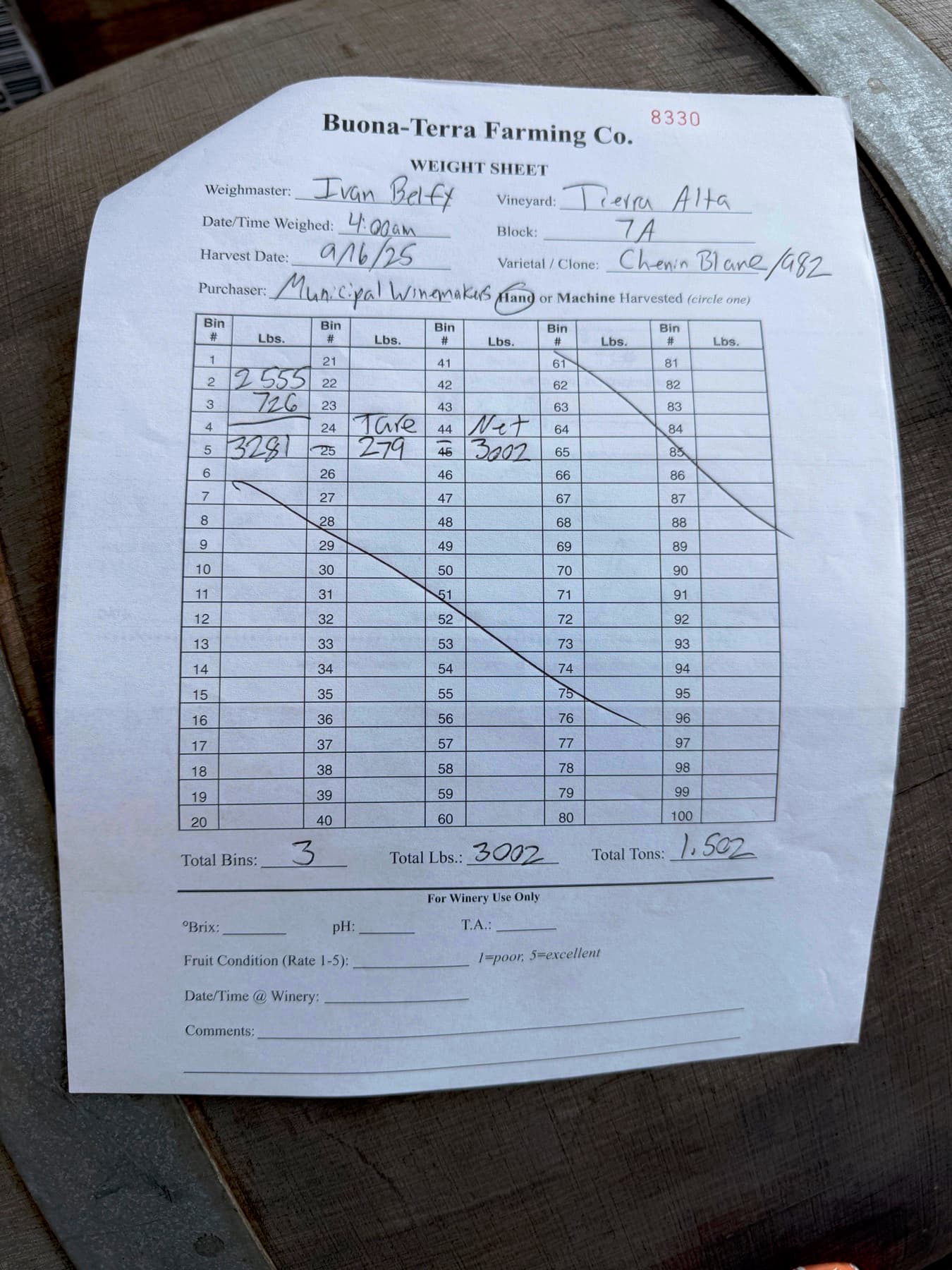
Receiving · review before confirming
Review fields →Original photo kept
Buona-Terra Farming Co.
Chenin Blanc 2025 · harvested 2025-09-16
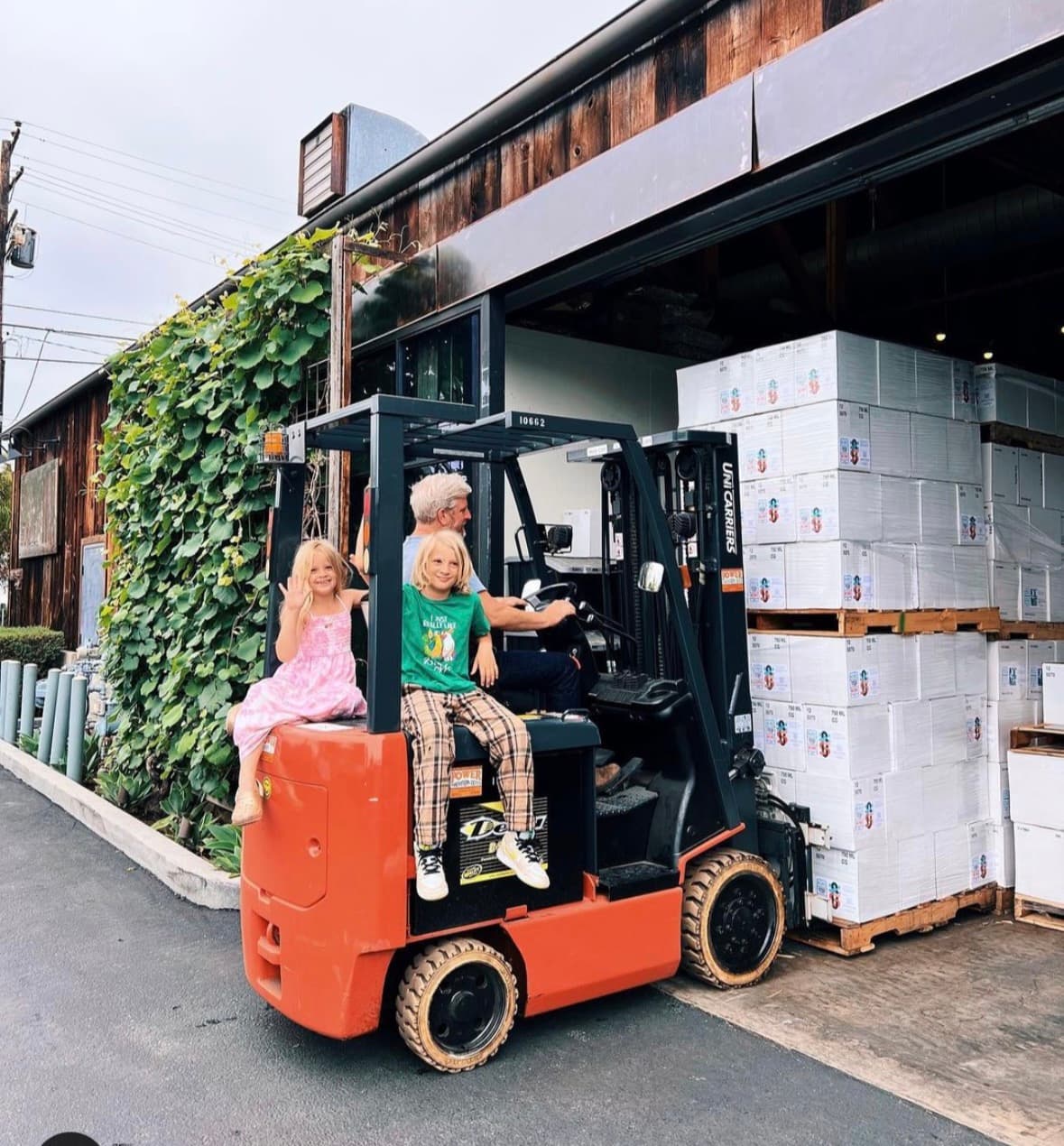
I’m Dave Potter, the winemaker behind Municipal Winemakers in Santa Barbara.
The work in the cellar produces the information we need: what came in, where it went, what we added, what it cost. The hard part is keeping that information useful when it lives on tags, whiteboards and spreadsheets.
I built Good Job to make that easier. Record the work while it’s fresh, keep it with the lot, and have something useful to come back to.
Dave Potter · Municipal Winemakers
Every plan includes the same features and unlimited team members. The difference is when you join.
Your rate is locked at signup, forever.
Try Good Job for 30 days. No credit card required.
More than 10,000 cases or multiple entities? Email hello@goodjob.wine to discuss fit and pricing.
You don’t need to know the best way to move your old spreadsheets before you try Good Job. Tell us what you’re using, what history you want to bring over, and what you need to keep working during the change.
Start with one lot and a piece of cellar work you need to record. See whether Good Job makes the next step easier.
30 days free. No credit card required.